
Instructional Design

Canvas LMS
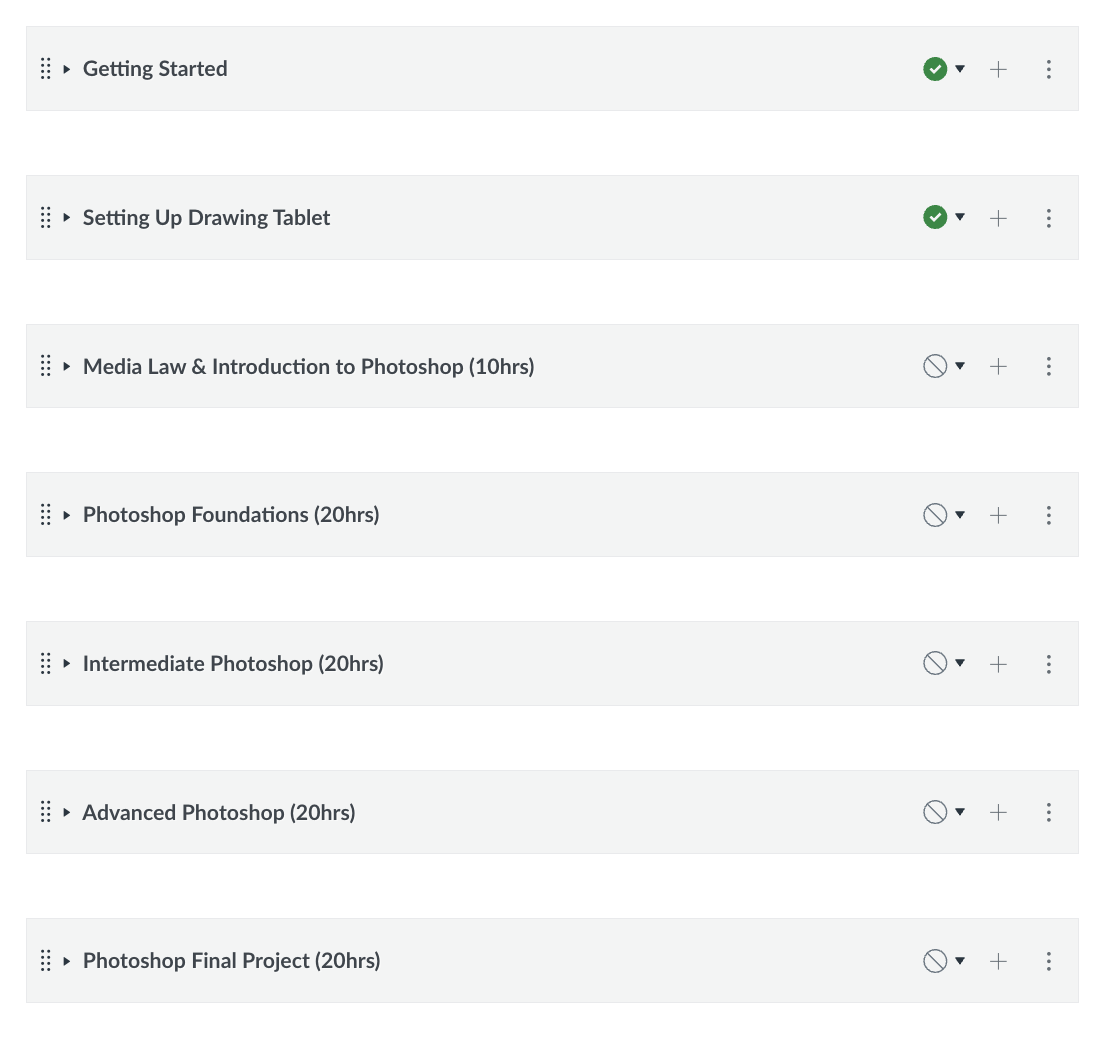
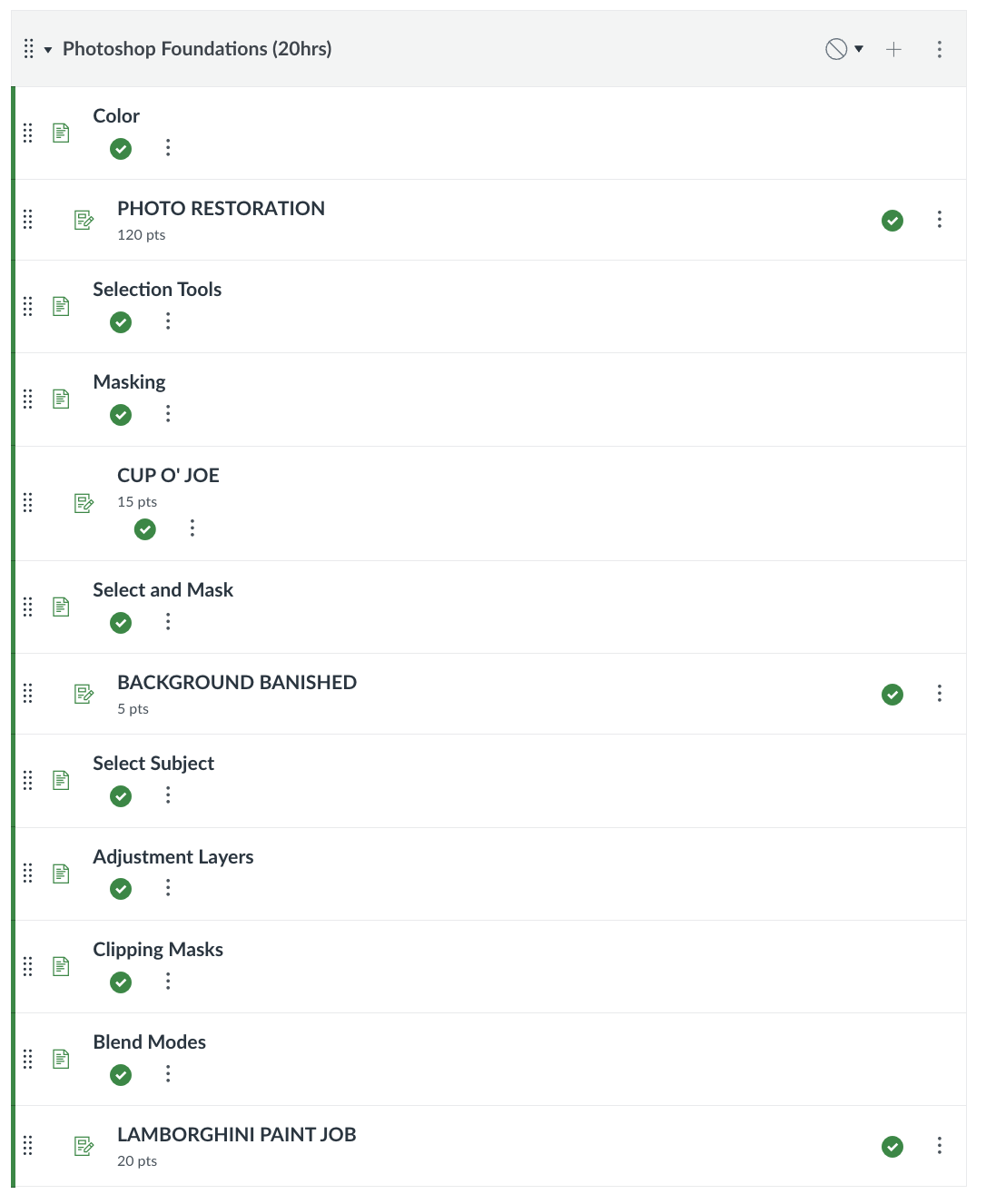
Over the past four years, I’ve built and refined all of my curriculum in Canvas. Every class I teach is organized and delivered through Canvas, and I’ve put a lot of effort into creating courses that are intuitive, visually engaging, and easy for students to navigate.
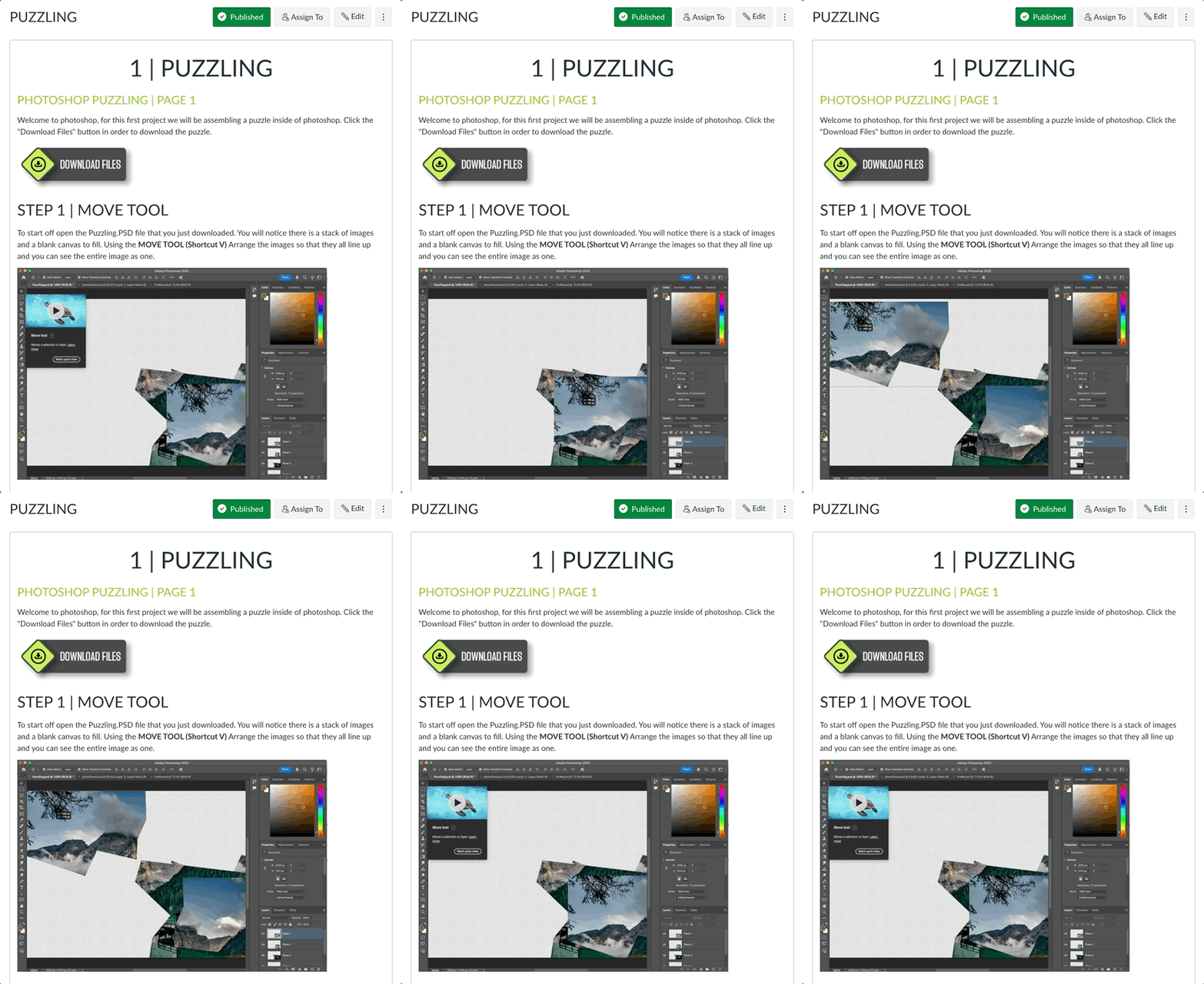
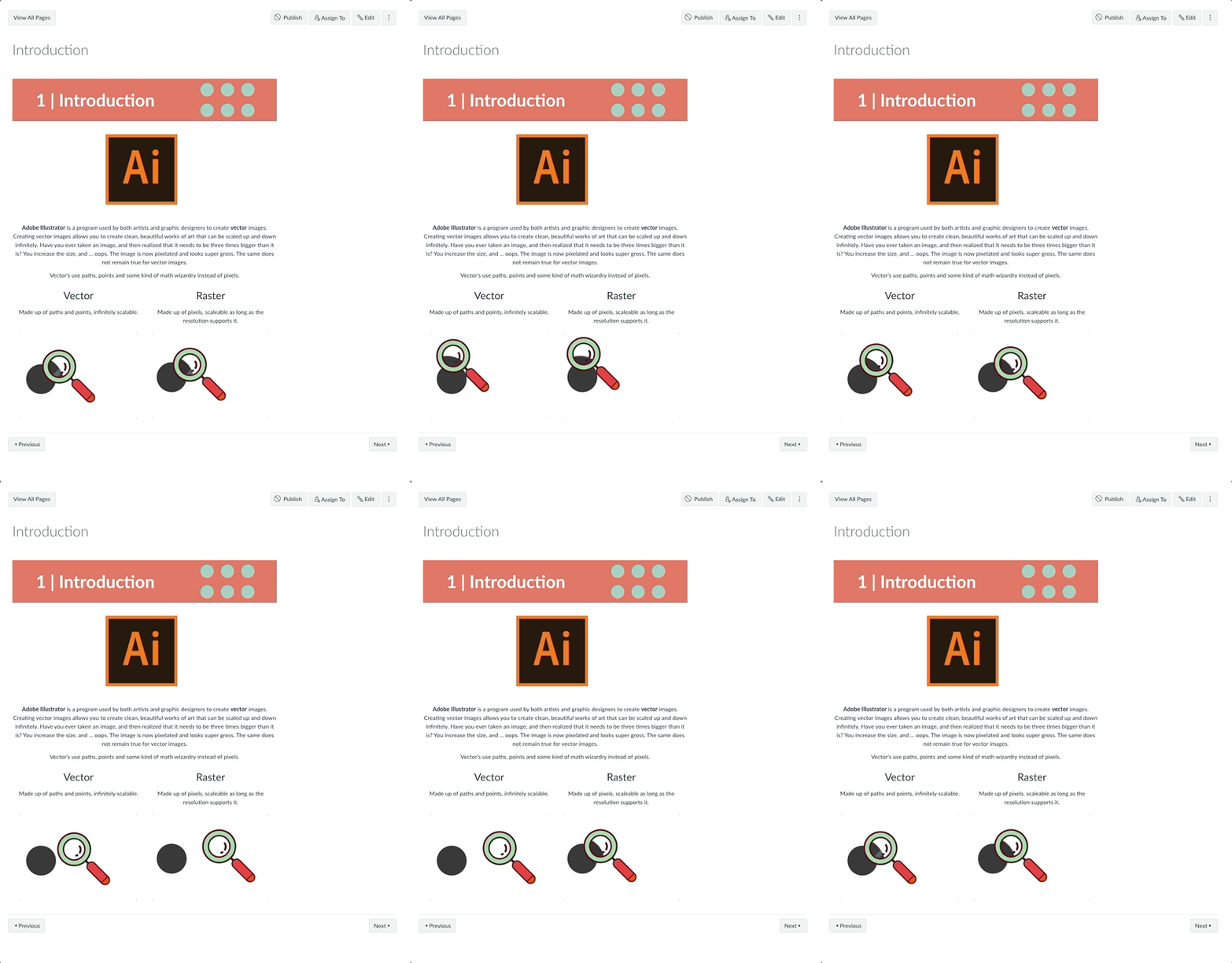
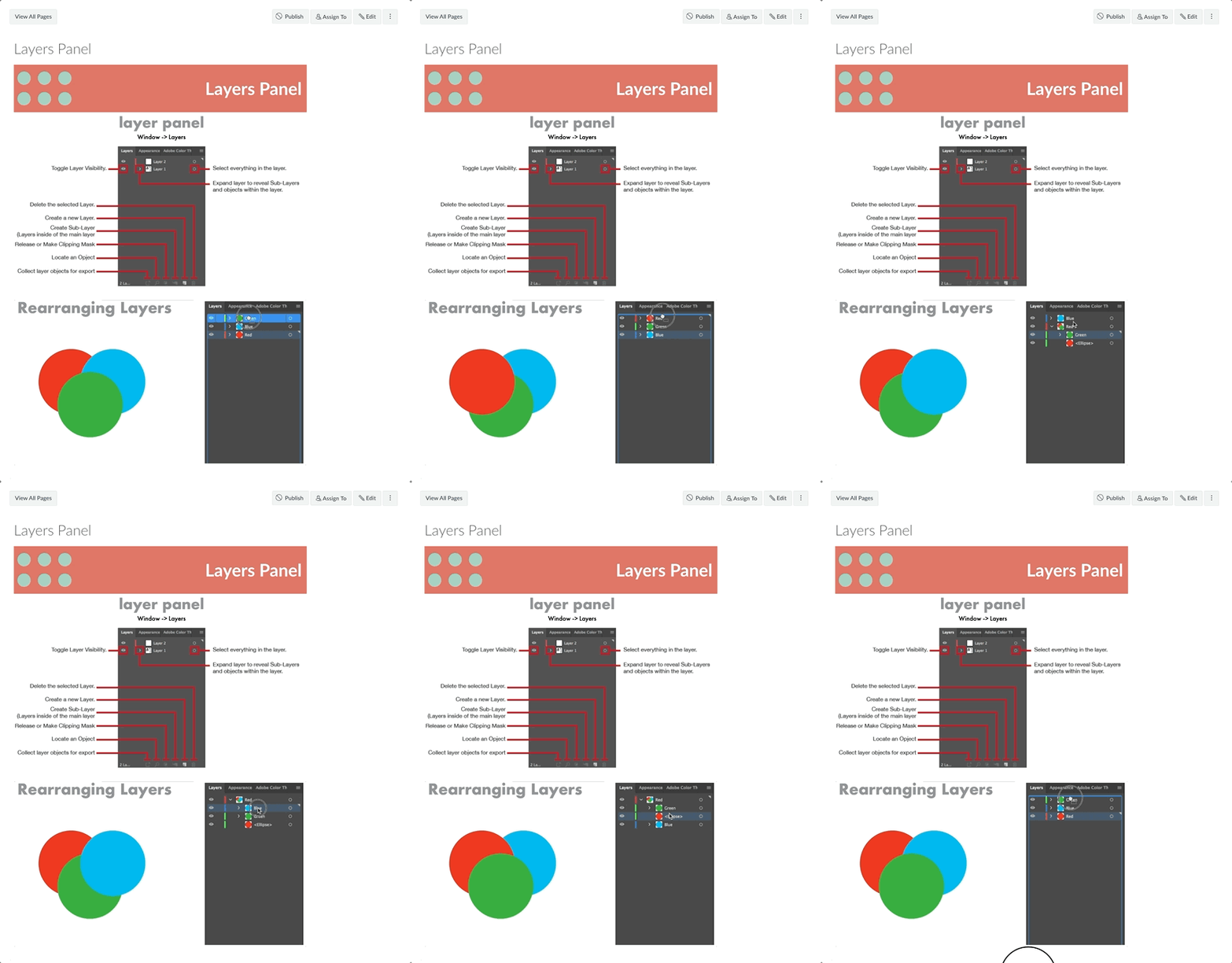
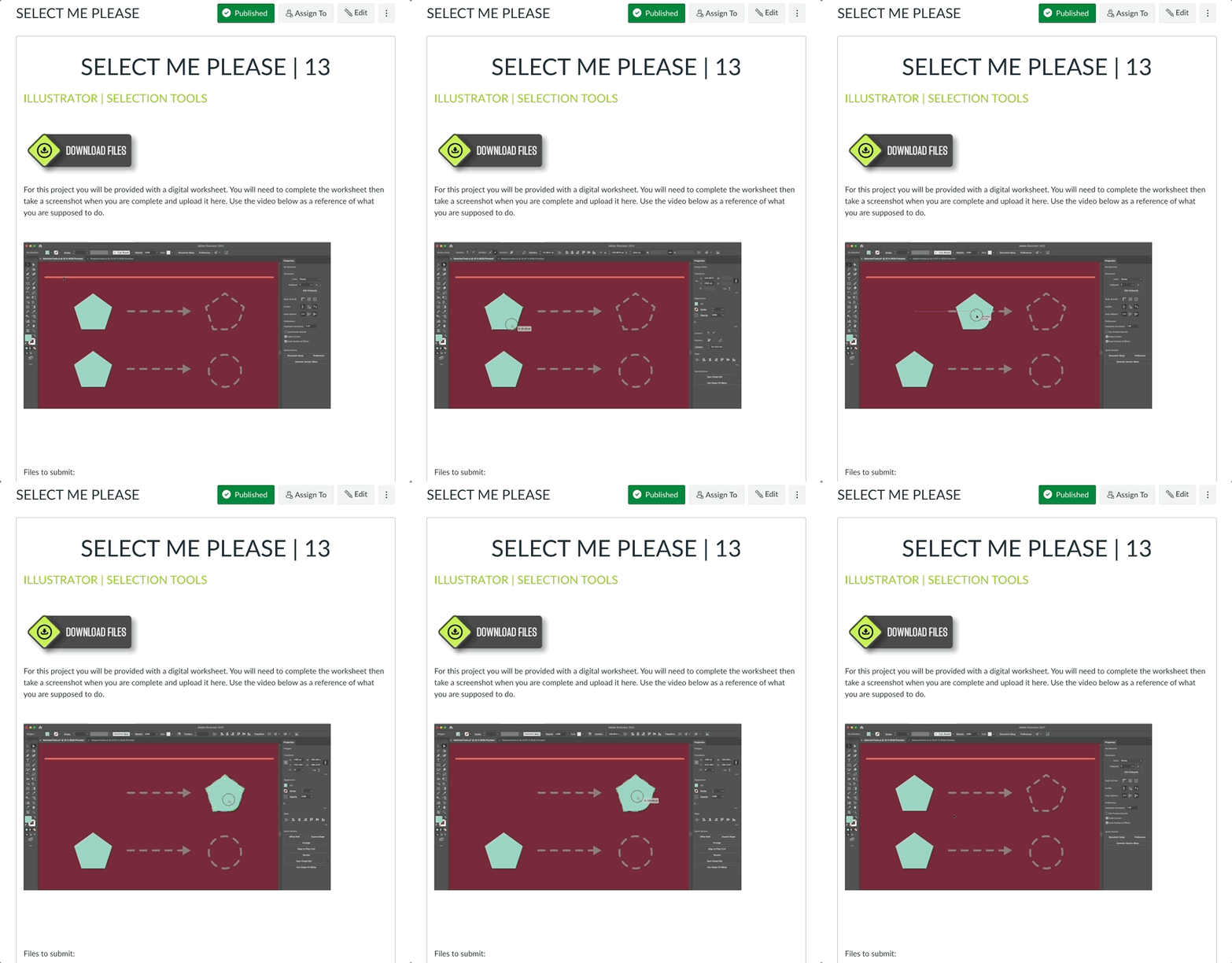
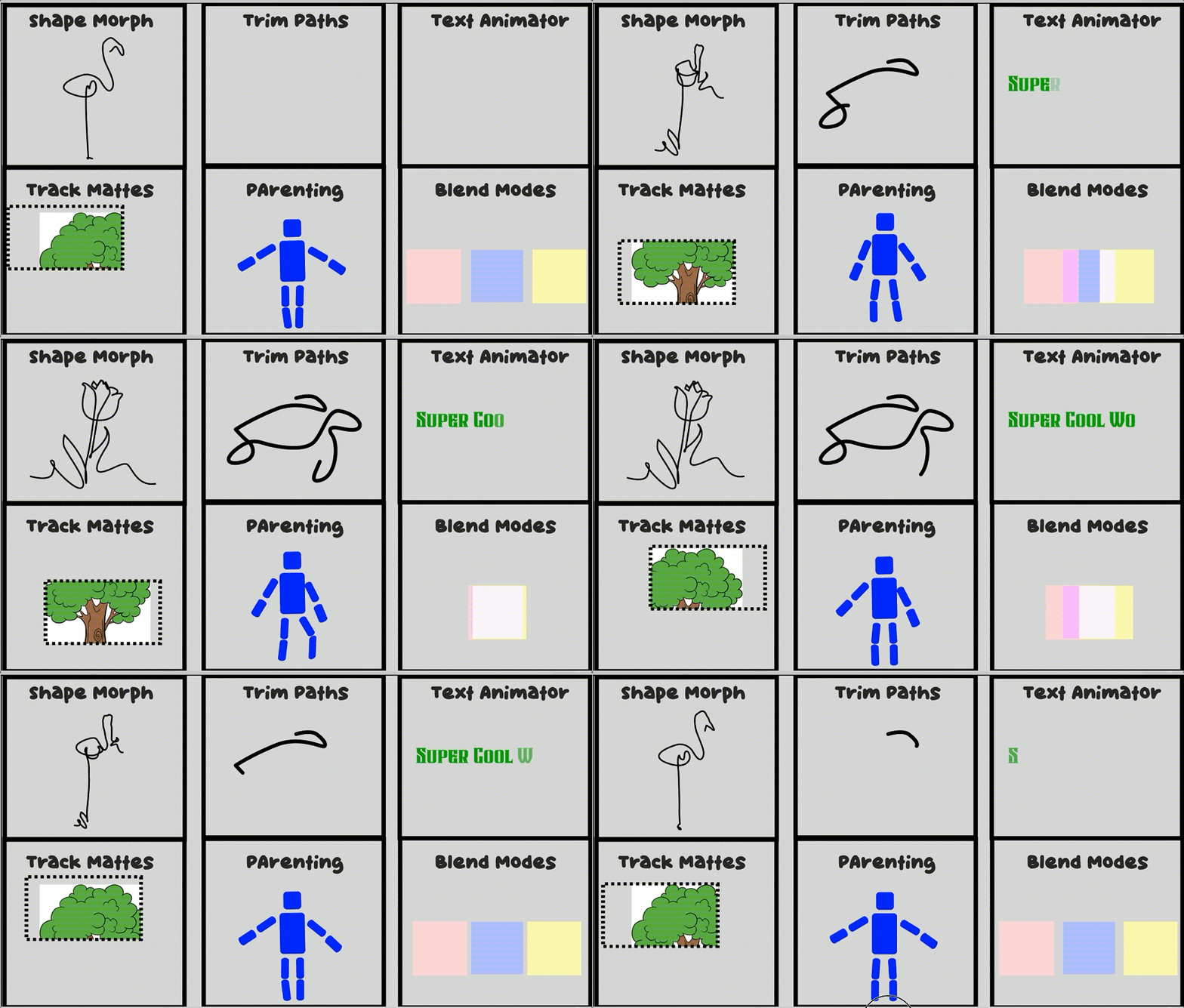
One of my favorite design techniques is incorporating short GIFs throughout my lessons. Adding subtle motion helps draw attention to important information, demonstrates processes more clearly, and keeps the learning experience feeling dynamic. It’s a small detail that has made a noticeable difference in student engagement.
Take a look at a few examples below!
Video Production
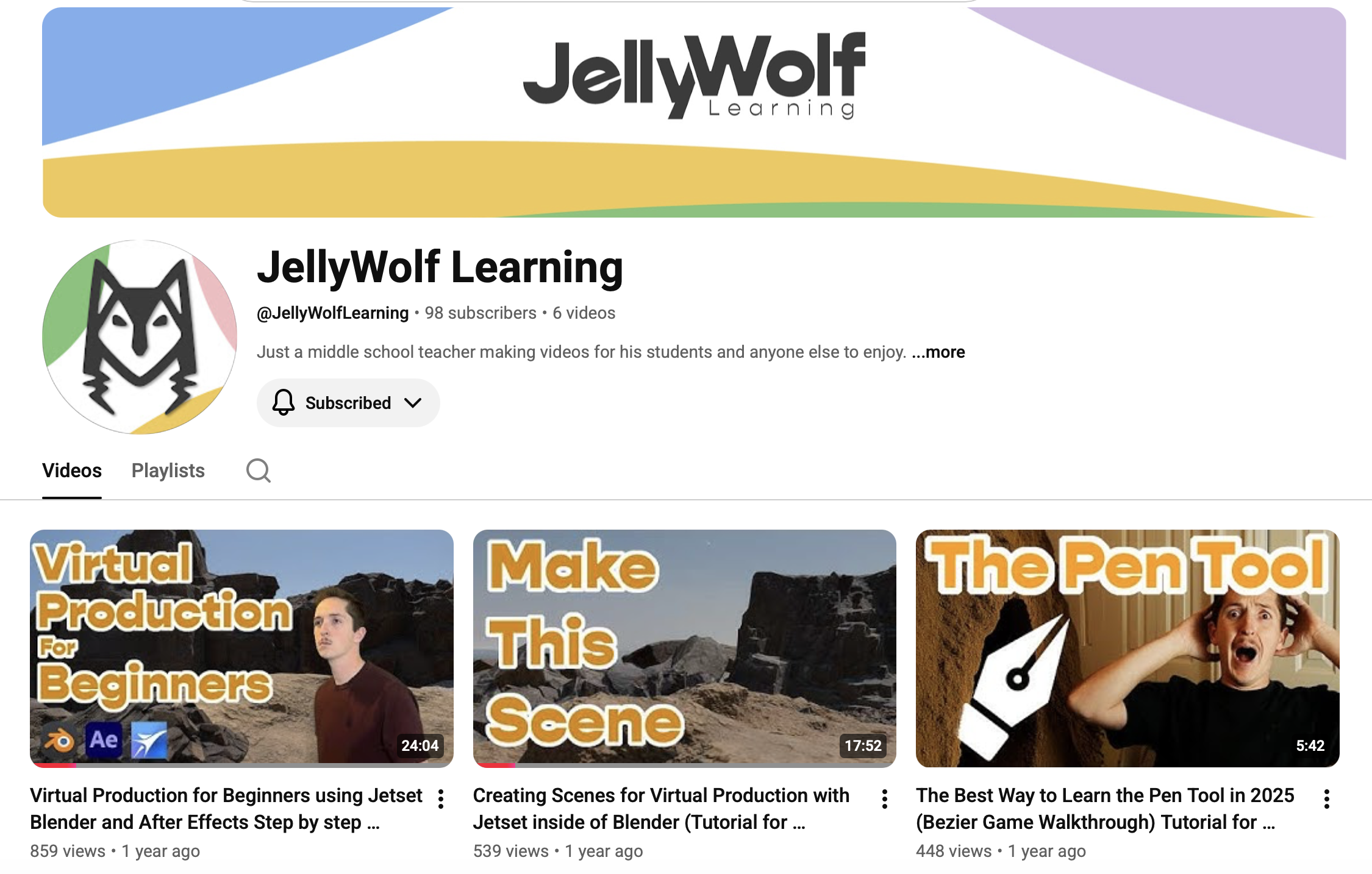
Some concepts are easier to understand when they’re demonstrated instead of explained with text alone. To support my courses, I created a YouTube channel called JellyWolf Learning, where I script, film, and edit instructional videos that walk students through more complex topics step by step.
Each video is designed with learning in mind. I use on-screen graphics, callouts, keyboard shortcuts, and visual cues to reinforce key concepts and help learners follow along without feeling overwhelmed. My goal is to create videos that are clear, engaging, and easy to revisit whenever students need a refresher.
Check out a few examples below!

Learning Aids
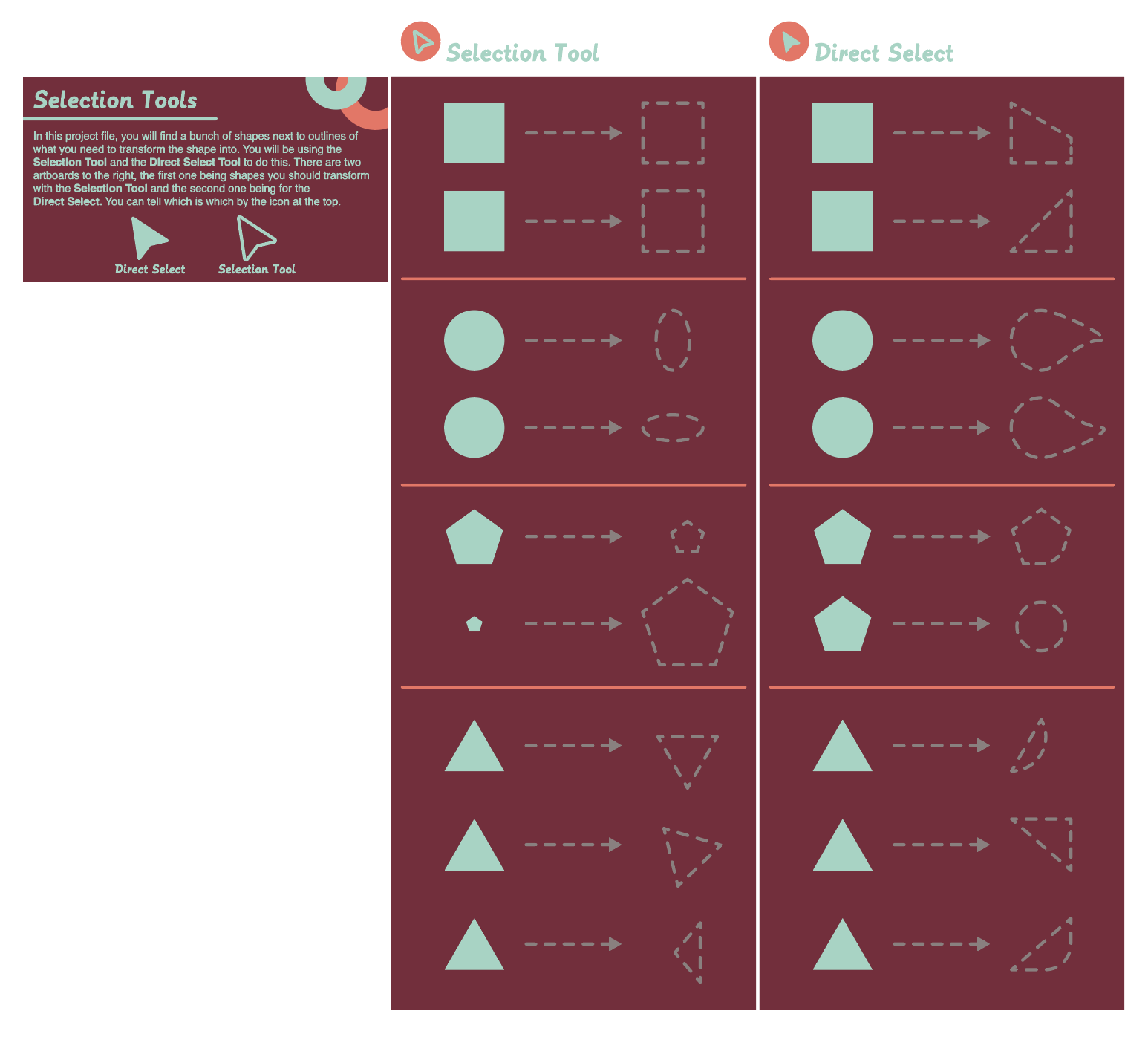
Great learning experiences go beyond written instructions. Throughout my courses, I create custom learning aids that simplify complex ideas and give students quick, visual references they can use while they work.
From step-by-step guides and infographics to quick-reference sheets and workflow diagrams, each resource is designed to reduce confusion, reinforce key concepts, and help learners build confidence as they progress through the material.
spencer@jellywolf.com